Learn How to Use Prusa Slicer: Step-by-Step Tutorial
Learning how to use PrusaSlicer will help you unlock better print quality, faster slicing, and more control over your projects


Select this category for all the news related to Software.

Learning how to use PrusaSlicer will help you unlock better print quality, faster slicing, and more control over your projects

Struggling with slicer crashes, STL errors, or weird print previews? This guide dives into the most common 3D software issues and how to fix them fast.

Artificial intelligence is transforming 3D modeling and CAD workflows, enabling designers to create optimized, lightweight, and functional geometries with minimal manual input.

1. Preparing Your CAD Model for 3D Printing Learn How to optimize CAD files for 3D printing. Before slicing a CAD model for 3D printing, ensuring a clean, optimized design is crucial. A well-prepared file reduces print errors, improves structural integrity, and minimizes the need for excessive supports. Choosing the Right File Format Different file…

Support structures often make the difference between a flawless model and a failed print.
There are excellent free 3D printing software tools made specifically with beginners in mind.
Discover the top plugins for creating custom supports in slicers. reduce waste, and improve print success. Fine-tune slicing for cleaner prints!
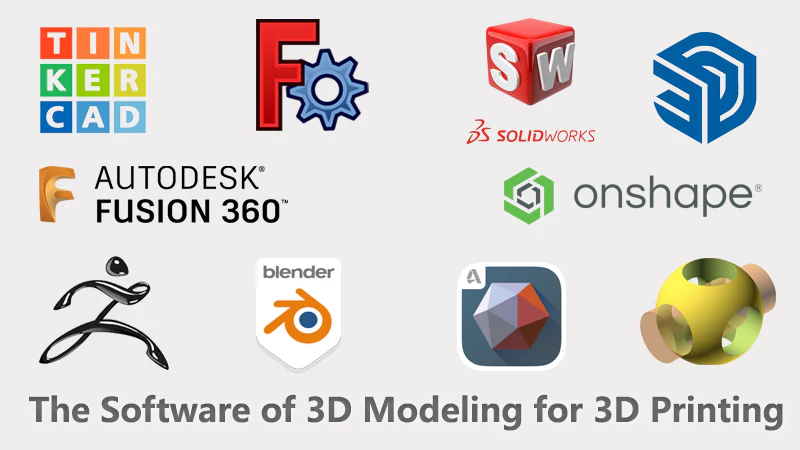
3D modeling is the backbone of digital creation—whether you’re designing prototypes for 3D printing, developing video game assets, or crafting architectural models.

Discover essential settings, troubleshooting tips, and advanced techniques like tree supports and optimized infill patterns to take your 3D printing to the next level.